









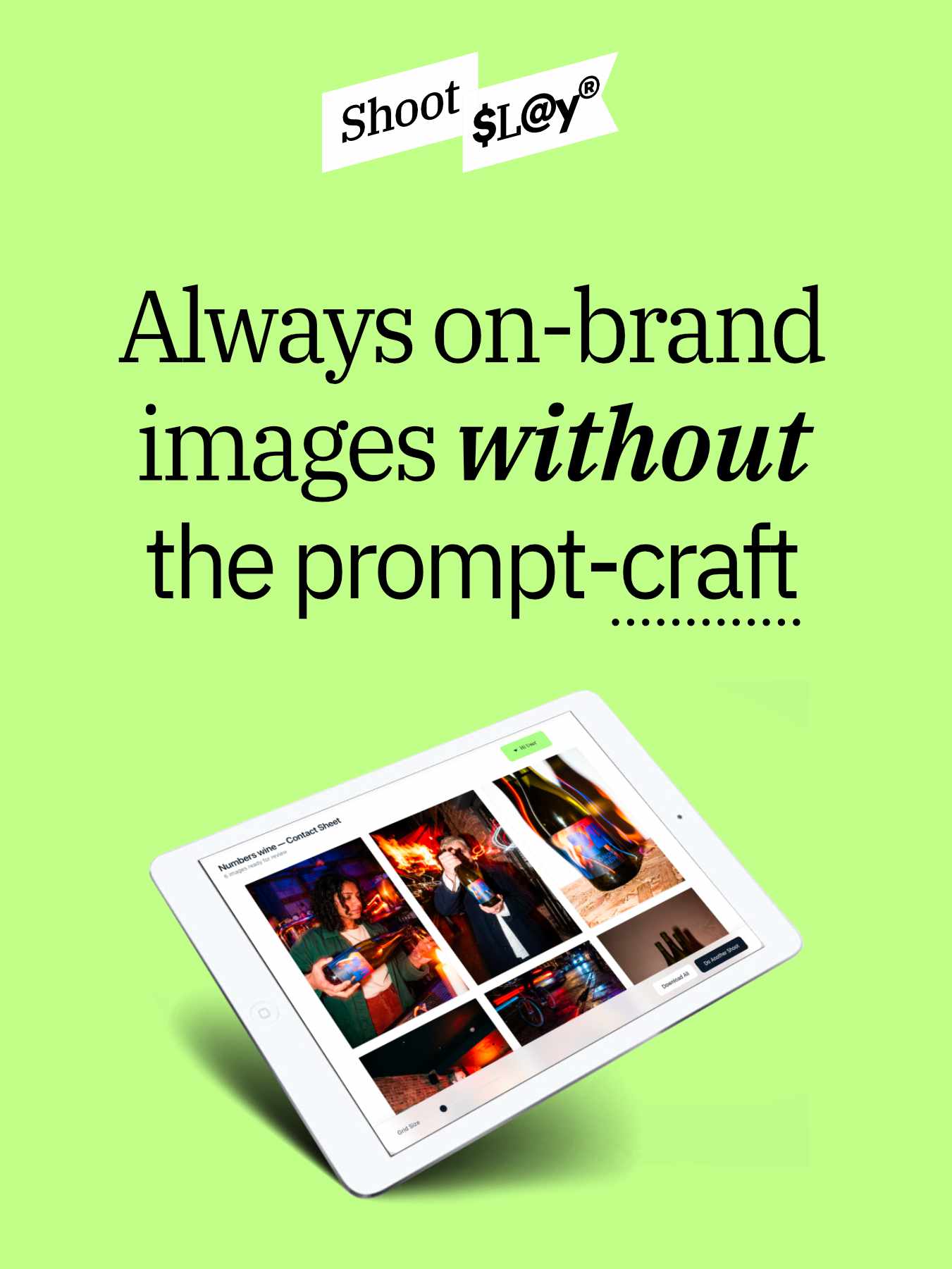
Shoot Slayr puts professional‑grade product photography in the hands of every business.
Behind the scenes we’ve compressed decades of campaign and product photography experience into a prompt‑less AI photoshoot system. Instead of organising photographers, studios, stylists and locations, you simply provide a few inputs — and Shoot Slayr builds the photoshoot for you.
The result is on‑brand imagery, generated on demand, without the time, cost, or complexity of traditional production.
Shoot Slayr automates the full production pipeline normally handled by an entire creative team.
From early ideation through to final image treatment, the system replicates the stages of a real commercial shoot:
These ingredients combine to create thousands of possible variations. Once the inputs are set, the system can generate consistent, recognisable brand imagery at the push of a button.
Despite the complexity behind the scenes, the interface is intentionally simple.
Shoot Slayr is organised into four core flows:
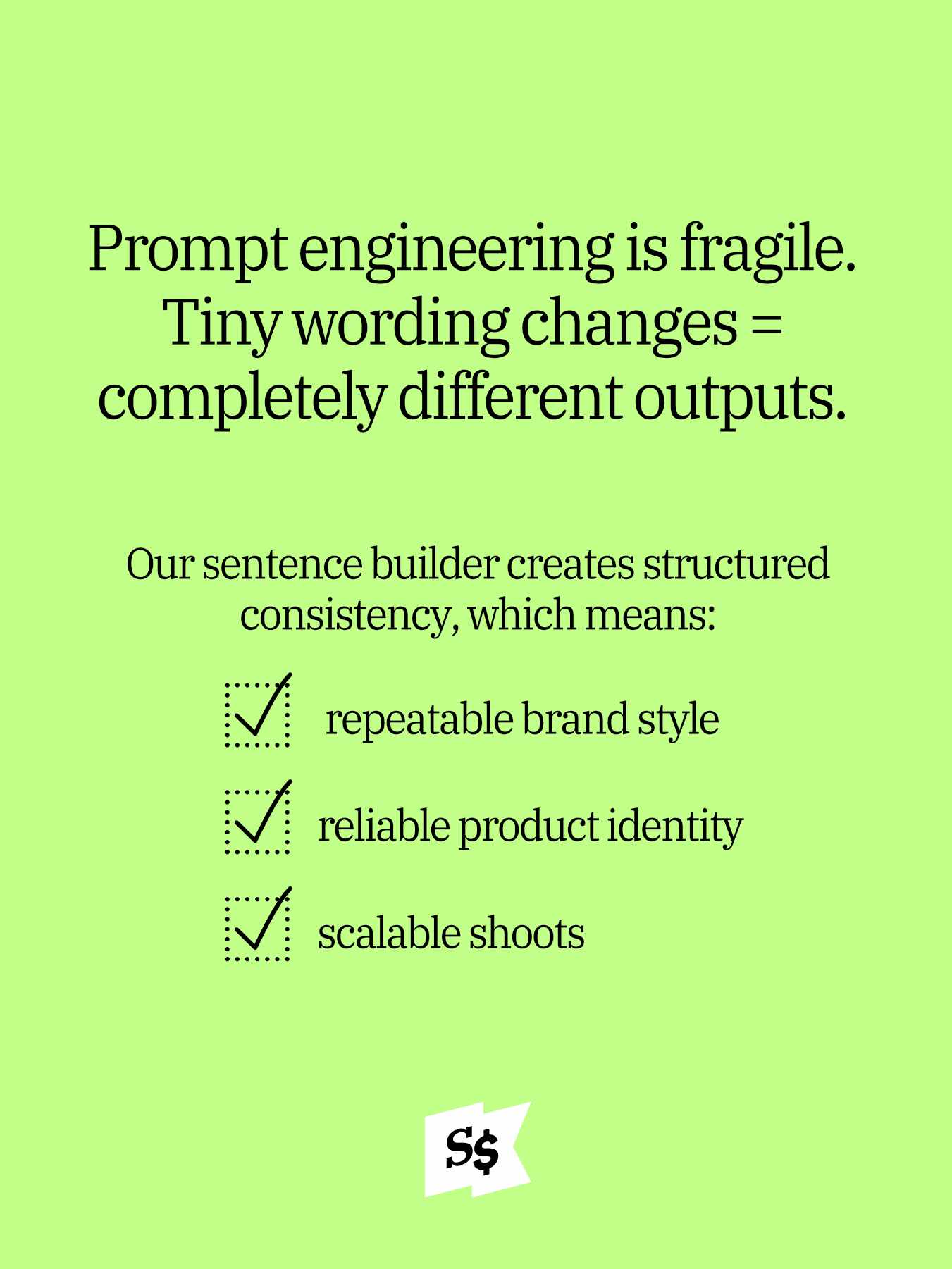
Instead of writing complicated prompts, the platform uses a structured sentence‑builder interface with visual thumbnails and simple dropdown choices.
You control the ingredients of the shoot without needing photography knowledge or prompt‑engineering skills.
The only mandatory inputs are:
Everything else acts as creative control.
Traditional photoshoots involve weeks of planning and thousands of dollars in production costs.
Shoot Slayr removes that entire process.
There are:
You generate the imagery you need in minutes.
And unlike most AI platforms, Shoot Slayr does not require a subscription.
You simply pay for what you generate.
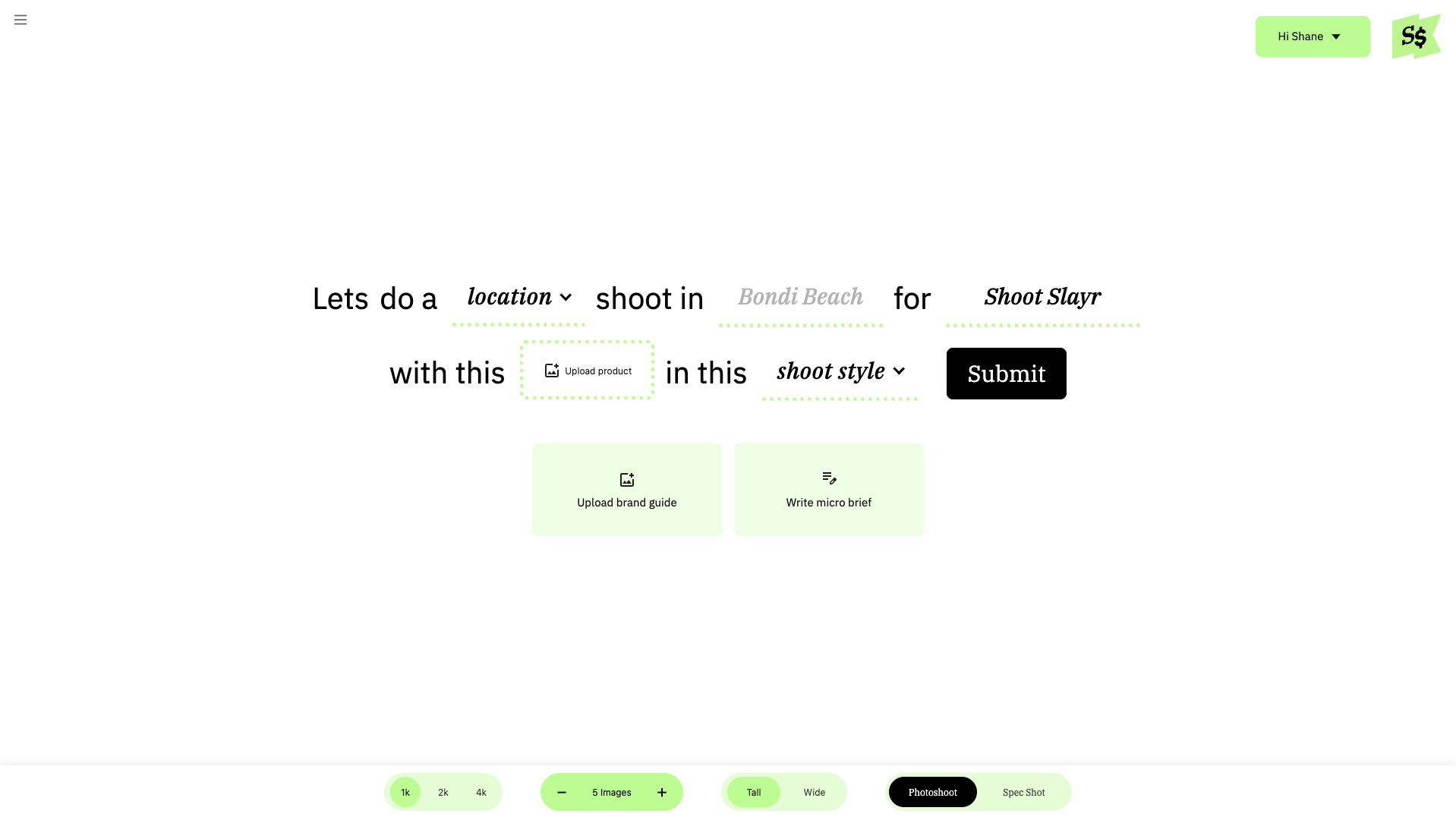
The Photoshoot flow is the heart of Shoot Slayr.
It exists to help brands create cohesive image series for websites, social media, campaigns and product launches — not just one‑off images.
A photoshoot is built from a few key ingredients.
This replicates the first decision made in a real photoshoot:
Where does the product live?
Options include:
When a shoot type is selected, the system researches environments where your product or service naturally appears.
For example:
Location environments analyse landscape, architecture, materials and local surroundings.
Interior environments analyse styling, furniture, textures, lighting and atmosphere.
Studio environments focus on backdrops, lighting setups, colour palettes and props.
This replicates the first decision made in a real photoshoot:
Where does the product live?
Options include:
When a shoot type is selected, the system researches environments where your product or service naturally appears.
For example:
Location environments analyse landscape, architecture, materials and local surroundings.
Interior environments analyse styling, furniture, textures, lighting and atmosphere.
Studio environments focus on backdrops, lighting setups, colour palettes and props.
The Brand field is the most powerful lever in the system.
Entering a brand allows Shoot Slayr to research:
These signals influence casting, wardrobe, styling, environments and scenarios.
This is what turns AI imagery into brand‑specific visual storytelling.
Tip: If you want a more aspirational campaign look, try entering a premium brand in your category. This can generate elevated visuals that inspire campaign ideas.
The location field lets you override or extend the environments discovered through brand research.
This gives you almost unlimited creative control.
You could run a shoot:
The system blends the location idea with brand context so the results still feel believable.
Styles control the visual treatment of the shoot.
They allow you to maintain visual consistency across many shoots — or remix the aesthetic entirely.
Current categories include:
A full list of style and they outcomes can be found here.
Your reference image is the hero of the shoot.
It becomes the visual anchor around which the entire photoshoot is built.
The image does not need to be perfect.
Great results often come from:
Shoot Slayr builds the world around the hero.
Supported formats include JPG, PNG and WebP.
If you want more control over brand understanding, you can upload a brand guide.
The system extracts information such as:
Multiple guides can be used to manage sub‑brands, product lines or campaign variations.
Brand guides can also speed up shoots by bypassing research steps.
The micro brief allows you to add small pieces of creative direction.
Short instructions work best.
Examples:
The goal is to guide the scenario without over‑explaining.
AI-powered photoshoots, on brand, on demand